Wednesday, July 11, 2007

Basic Saving/Loading

I've implemented very basic save/load functionality into the editor. It's more of a test for me to see:

1) If it is possible to save/load a scene without an exporter knowing what it is actually exporting. I've done this so it obviously works. There may be some special cases where certain pieces of data will be required but I can't foresee that happening right now. Possibly if I get into editing terrain or something, it *may* need to know how the terrain is there to export it properly but I don't think so.

2) Bigger scenes come together. It's rather annoying not being able to have larger scenes without having to touch code. I'll probably start putting together test areas in this to test out various things. So far, everything seems to save/load fine even though I at save/load time, I have no idea what I am exporting or importing. It's all taken care of through my EditorObject system. So I'll be able to implement a binary, XML, and a custom file format in the editor without knowing a single damn thing about what I'm exporting :) Importing into the game may be different but that's another story. It will be possible to export into a certain format that is read back in so it's up to the game to read in all the properties.


Currently I am also investigating diagram editors for use inside of the editor. I'd very much like to graphically lay out the scene so it's easy to spot things. This will also come in handy when I get around to a "scritable" piece that I've wanted to support for a while. It's much like Kismet (Unreal) or FlowGraph (CryTek) in that it is a visual way to use script objects. So you can chain together small building blocks together to form logic and perform things in the game. For an example, you could use this visual system to create a system where you have to align boulders on to various scales in order to solve a puzzle. All of this is possible to be driven through these types of systems (I don't support it yet but I will) which allows designers to create actual gameplay mechanics without having to touch code or bother a coder. It also allows for much faster prototyping and tweaking since it's all data driven as opposed to code driven.


Wednesday, July 04, 2007

In the dark

I knew up front that being able to determine what type of object you were looking at was not going to be a good thing. The SceneView tree graph had different code depending on what type of thing you clicked on. This would not be good for extensibility since you'd have to go to 100 places and add support for a new type of object.

Thus was born the EditorObject. This can wrap anything that can be present in a scene. It can be as simple as a single SceneNode or as complex as an entire terrain heightmap or a "unit" made up of 14 different meshes with 12 scene nodes and 4 particle systems. It doesn't matter. Everything just deals with EditorObjects which support set/get methods for their properties. You simply say getProperty ( name, type ) and it will return a property of that type if it supports it, nullptr otherwise (Yes, I'm using .NET and C++/CLI).

They do support getting the name of the type to which they belong. For instance, the scene node editor object returns "SceneNode" when its type is queried. This value is only used when categorizing items such as in a sorted view of the various items or in an options page to enable displaying/hiding the various types. There is no way to actually query for the scene node to which it belongs. You *can* get the type and name and manually look it up in Ogre but that's circumventing the system deliberately and if you do that, god help you.

This is going to work seamlessly (hopefully) with my undo/redo system when I get around to it. I will be able to store the previous value of a property and the new value as well as the property name/type. Thus, when you undo it, I simply call "setProperty" and pass in the original stuff. Deletion and creation are going to be different as well as things like reparenting scene nodes but those will come in time. For now, this works perfectly.

I've reworked the SceneView as well as the Translation Gizmo to be unaware of what object they are looking at. The translation gizmo simply queries whether a 'translate' command is available and if so, it will show. Otherwise it stays hidden since it doesn't know how to move the currently selected object. The SceneView can now contain so many things. A single Unit such as a lizard grunt could show up in the SceneView as a single object which you can click and select. It is up to the UnitEditorObject whether it exposes the objects that make it up or not which is a handy feature.

I've also added a sprite system that any EditorObject can use to hook up a sprite to show for itself. The LightEditorObject is using this to show a simple sprite (go Google images go) where the light is. The Sprite object simply has an associated EditorObject with it and uses the getProperty with the name of "Location" to find the position of where it should be. They are all the exact same size as well and they don't change size the further they get from the camera. They stay the same screen size no matter how far they are. Once the scene is more populated, it will be easier to see why since parts will be hidden and that's how you can determine where they are. It makes it easier to see icons in the distance instead of spending 5 mintues flying around a level trying to find one.

I still haven't figured out how I am going to deal with the problem of setting a location on an object buried in some hierarchy of nodes. For example, a light is attached to a node. The node is moved away from the origin. If you call setPosition(0, 0, 0) on the light, should it go to the origin of the parent node or should it go to the origin of the world? And if it goes to the origin of the world, is it going to be easy to figure out what type of local translation will be needed? I haven't thought about it yet (literally just thought of that as I typed this) but we'll see. I'm sure both are possible and maybe an option of local/world space will work on this.


Tuesday, April 10, 2007

Resource Browsing

I've added the ability to pick on different entities in the resource browser and they'll show up in the little preview window. They can also be spawned into the scene as well. So you can now create new scene nodes and bring in new entities into the scene. It's coming along.

Notifications about object creation are all broadcast through an event system so plugins can hook in to this. I've got 5 plugins on the go right now: Basic Gizmos (translation, scale, rotate), Properties (shows the properties of the currently selected objects.. only scene nodes for now), Resource Browser (shows all movable objects, materials, etc and allows you to preview entities), Scene Node which shows you a tree view of the scene graph (nodes and movable objects), and a Test Plugin which is used to create the simple startup scene (2 ogre heads).

I will work on deleting objects soon and then figure out a way to do renames. I then want to move on to looking into Undo/Redo actions. It's getting there. I want to do some more work on the game as well but my life has been kind of up in the air for a while.


Monday, March 19, 2007

Editor Stuff

I've gotten a bit more work on the editor done. I'm still trying to think about how exactly I want to hook the "gizmos" in. I want a customizable interface so plugins can add their own gizmos and they function like the built in ones. I am currently implementing the 3 basic gizmos (translate, rotate, scale) through my test plugin before I build them in to the editor so that I can get a good idea of how I'll implement other ones. I'd be great for a real-time UV mapper to be able to put a gizmo right in the editor for you. Hopefully that'll be easy to do.

In the included shot, you can see a few new things. I added a "resource browser" to test how easy it is to plug a 3D viewport onto another window. I don't have it hooked up to show what I want but the viewport is there for me to do what I want and it has full camera controls. The materials are listed as well as the currently registered entities at the bottom.

The gizmo currently visible is my attempt at a transform gizmo. I am going to obviously replace that with some arrows and what not later but for the most part, it functions correctly. You can left click it and rotate the object, middle click to translate, and right click to scale (I know.. ass backwards controls). I'm currently just using bounding boxes for hit detection so that'll have to be replaced eventually with polygon selection which I'll most likely use a 3rd party collision detection library for, like Bullet.


Monday, March 12, 2007

Editor Advances

I've been a little busy with my home life lately but I have managed to squeak in some time to work on the editor. So far, I'm very pleased with where it's going. The plugin system is very easy to create thanks to .NET. I'm trying to keep things as exposed in as generic of a way as I can. There are easy to use hooks on object selection as well as populating the scene graph which will allow for game specific plugins to add their own types as the graph is being built. I am designing everything with extensions in mind so that games can plug in various dll's and enhance the editor beyond it's base without having to touch the editors code. Any plugin can be loaded or unloaded without bring the rest of the system down. Don't want a feature? Simply delete the dll and it won't get loaded anymore. There is an options page in the editor to specify which plugins to load on startup.

I'm going to work on some property wrappers around scene nodes as well as introducing an axis widget that will be placed in the editor to allow for things to be dragged around hopefully.

I've also got a nice docking suite going on. Plugins can register a "ToolWindow" with the editor and it will dock it somewhere. The suite provides saving/loading functionality so the positions will be saved across sessions which is very awesome.


Wednesday, February 21, 2007

Editor and debugging

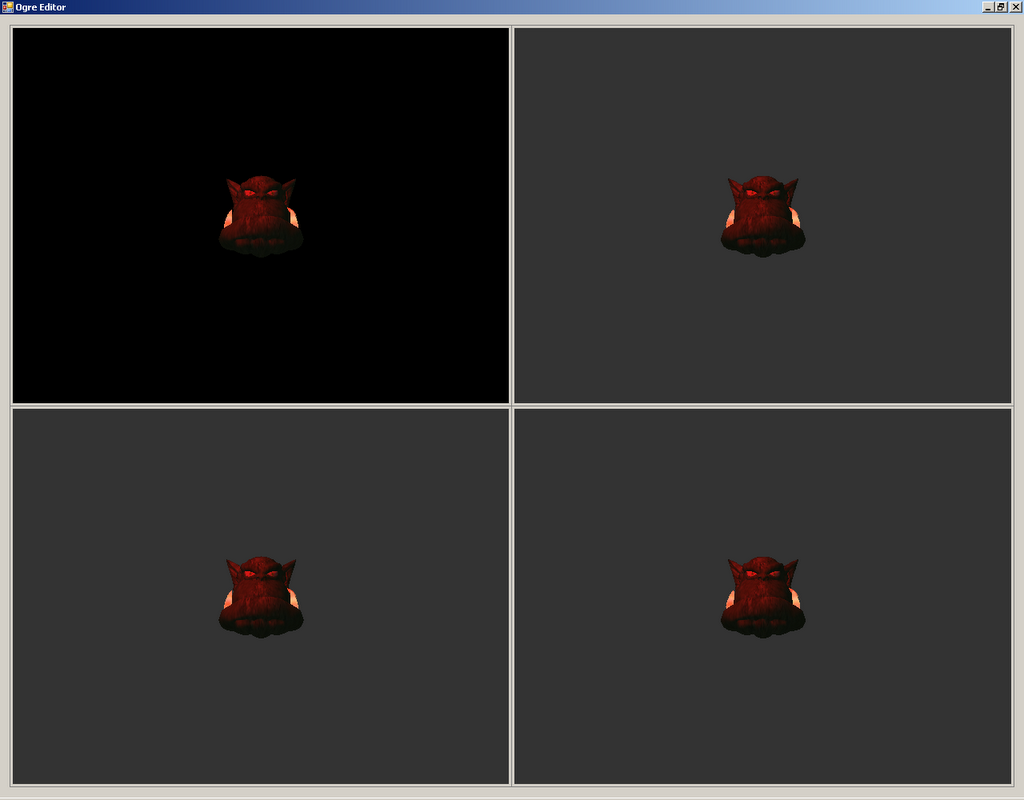
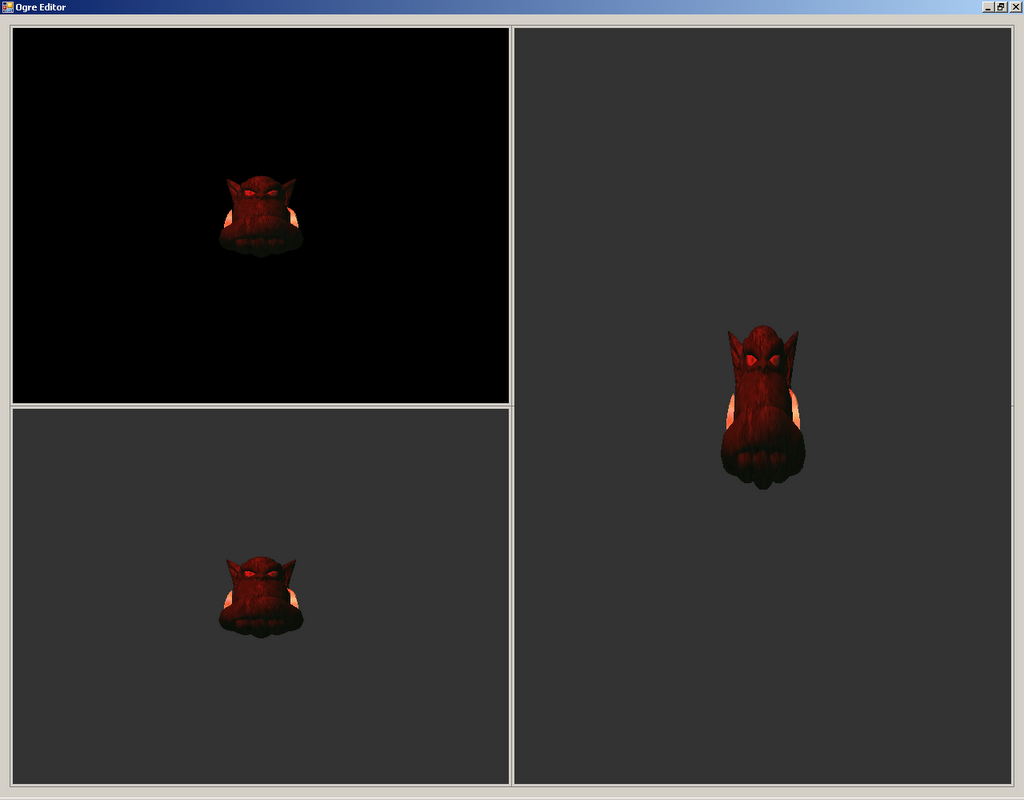
So I've started work on an editor. I'm using .NET and C++ to get the editor done. I'm using .NET because it seems to have a TON of features for UI development which are all very easy to use and are all garbage collected for me. I'm still going to try to maintain proper memory practices but if I miss something, it won't be as big of a deal as it would be in the game so I can let the GC worry about it. Also, having a designer in Visual Studio will come in damn handy when I'm making some of the manager windows. Right now, I have Ogre rendering into a form as well as a "viewport manager" which has a ton of customizable arrangements. I have every combination possible with a 2x2 grid. You can have one stretched across the top, and two in the bottom row. There are 8 different combinations that are possible and they all work.

I haven't hooked up buttons or anything to it yet so it's just a hard coded enumeration but I'm taking it slow and making sure each feature works and is cleaning done before I move on. The aspect ratio in the viewports isn't re-adjusted if the size changes so ignore the stretching in any shots until I implement this (which will be soon)

One feature that was needed for both in-game and the editor was a bounding box that had a transparent material over top of it so you could actually see the bounds that it enclosed. This isn't as big of a deal for small bounding boxes but the larger they are, the more useless a wire frame view of it becomes, especially when you're scene is littered with hundreds of them. In the editor, you'll be able to turn on/off certain volumes to keep speed reasonable since they are transparent but they'll show up in different colours so you can leave all the ones on that are relative to what you are doing and turn the others off. They look kind of nice actually. The colours are just in a script file so they can be changed (read: should be changed).


David Copperfield Styles

I suck at art. I suck at all things that require artistic ability. With that said, I created a magician unit. It's just a test unit for now but I am going to use him to develop the spell system. The first spell I've worked on is the magic missile spell. It sucks. It needs improvement but the logic of it works.

I think it is about time that I start to abstract the AI state machine into script files. It should be really easy to allow which AI states are supported by each unit type as well as the priority of them. I'll add per-state customizations to the script file eventually so you can change timer rates and other such things. For now, you should be able to create an entire machine in the script file that will support a hierarchy and priorities for states at the same level. All the states will be defined in code but they are easy to create. Hopefully this will allow rapid development of units when we get some art for the different units.

There are some other improvements in the UI like a population bar at the top. The map parser has had some improvements as well in that an entire map can be defined in script except for resource providers. I'll add those soon.

Yes, I know the minimap isn't visible. I am trying something with it right now.


Wednesday, February 07, 2007

I'm (almost) a real game now Geppetto

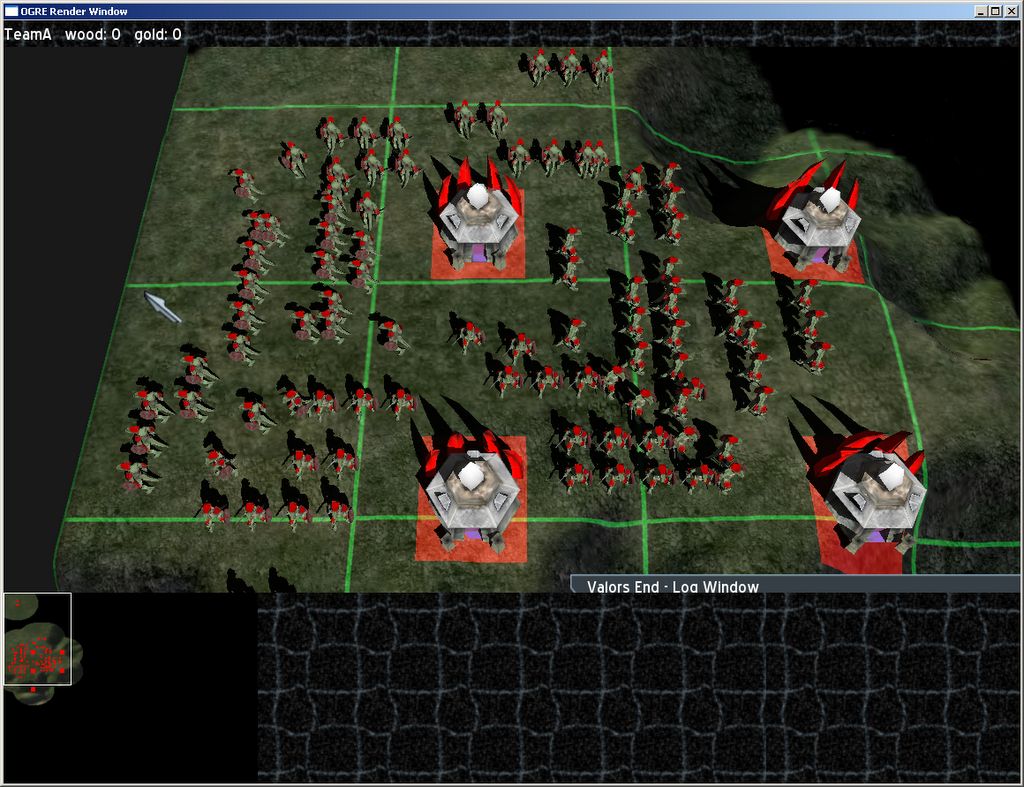
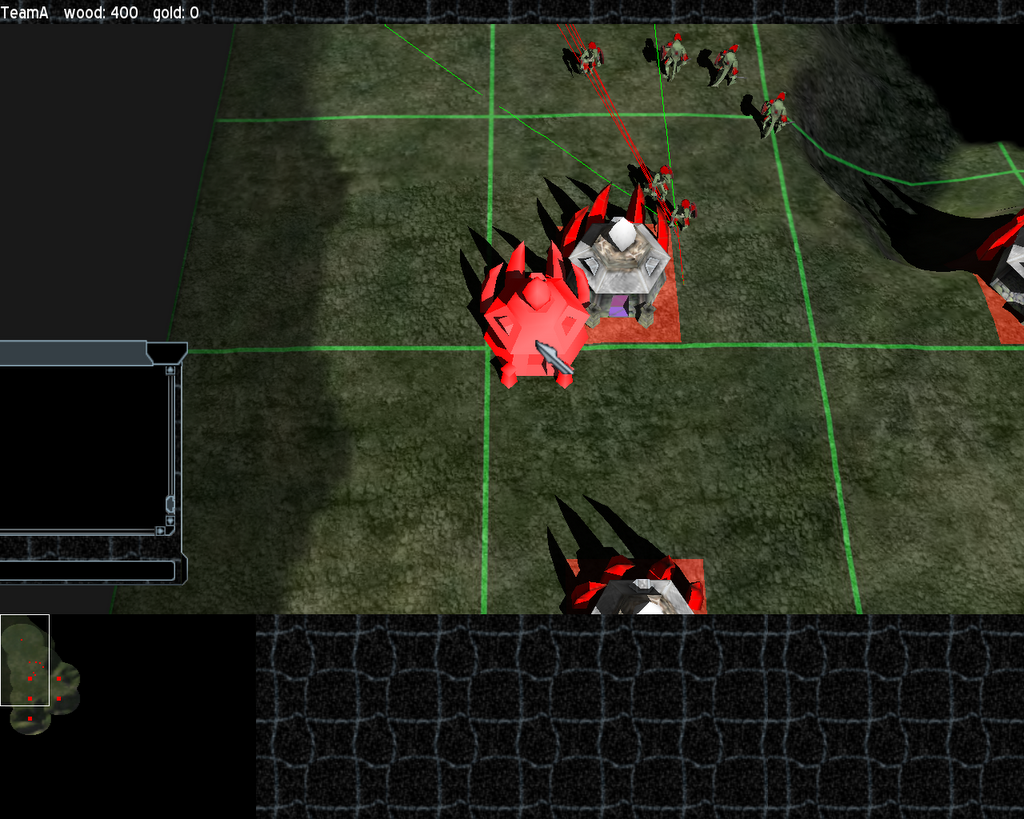
So. What's new. Well, lots of stuff. So let me try and give a list of all the things I've done since my last update (this is entirely incomplete but it's the most obviously, visible changes):
  • Resource Harvesting -- Units walk back and forth from the "gold mine" to the closest building and you get 25 wood each time

  • Building Placement -- Once you have 250 wood, you can place down a building. It will show up in red over areas that you can't place it and green in places where you can.

  • Path smoothing -- The path finding generated pretty rough paths so they've been smoothed out to straight lines across the grid where possible (red lines are the new path, green lines are the original unsmoothed ones)

  • Selection Area -- The selection area now has a nice translucent rectangle filling it in. I think it looks nice although I'll let Doug tweak the colors and such :)

  • Fighting -- The units fight each other with their swords. They chase down units and instead of firing those awesome black squares that you see in previous shots, they swing their swords at each other. I'm going to add callbacks into the animation system to be fired off at certain times so we can assign damage at the correct time in the animation

  • Minimap -- There's an almost fully functional minimap. I have to add code to handle when the user clicks and drags in there to move the actual camera to that location but other than that, it shows all units in the right team colors as well as showing your current selection in yellow

  • Group Management -- You can bind various groups to hotkeys now. This works in the same way Ctrl-1 and similar do in other RTS games

  • Awesomely clean code and design -- It's so damn easy to drop stuff in the game now. The design has worked out very well.

  • Debugging Features -- We've got a few shapes that we can attach to the various actors in the system. Currently, there is support for cylinders, 2D circles, 3D rectangles, and text labels. The AI states are being printed out into the text label

  • Pluggable AI System -- The AI was implemented using a heirarchical state machine with each state responsible for determining when it can activate. This has been amazing to use since we can drop new states in and not screw up existing states. Currently, I have the following states: Idle, Walk, Combat, Harvest, Construction, Search and Destroy

  • Building Attacking -- You can attack buildings now and when they die, they will "rumble" into the floor. I'll replace this with a collapse animation once we have those from Doug but he's got a lot of work on his own to be doing so that might be a while off.

  • Unit Avoidance -- I have started working on keeping Units from penetrating through each other and it's working out in very simple cases. I've got more work to do on it but they don't penetrate at all right now. I'll probably easy up on this later once I get into handling it better. For the most part, it's a good start.
I think once I get some computer AI in there, it'll almost feel like it's becoming a real game. I am not sure how I'm going to tackle that beast yet but hopefully I can get a very basic AI up within the next 6 months. I've got some friends back at school who are interested in creating some AI so maybe I'll let them have a good at it.

There have been a *ton* of under the hood changes and I support a lot more "features" like Actor Attachments which are very simple peices that can be put on an Actor itself. The shield, sword, and shoulder component of the lizard grunt are all Actor Attachments. It's an easy way to have custom pieces but still attach them to whatever in a very generic way.

There are still no memory leaks and only a few bugs which I know about but just haven't fixed. Other than those bugs, most of which are new, the game is pretty rock solid which I am happy about.

Anyways. I'm going to get back to work. I promise more updates more often but here are some currently pics until then. (I think I'll post a video or two soon as well)


Tuesday, September 19, 2006

Good Progress

So I know it's been a while since I've updated this blog but I have a lot to say about the game.

First of all, I don't know if I've said this before or not but we have a working title for the game and it is called Valors End. This was thought up by Reds so I get no credit for that. I've also gotten myself a job at a real game development company. I now work for Silicon Knights on a project I am not allowed to talk about. I think this will be a great experience for me and will also put some money back in my pocket.

In terms of the game, I've made some good progress. I have changed a lot of the code so it is all very generic now. The behaviour of the Lizard Grunt is actually about a 100 line source file. It will obviously grow as time goes on but to get a unit that can attack and move around is fairly easy. I have some work to do on the pathing to take into account the size of the object and that sort of thing. A lot of the work that I've been doing is behind the scenes code refactoring. I've abstracted out a TON of the code so there is a lot of reuse going on now and a very easy to work with hierarchy.

In terms of functional features, I've added a lot. And I mean a lot. The first thing that I added that is the most obvious would be a GUI. It's just a placeholder until Reds comes up with something better (after I explain how the GUI stuff works to him which I still haven't done..). On the bottom left side of it is a nice little minimap which has the terrain on it as well as the fog of war. Units show up in here as their respective team colours if they are visible. Hidden units don't show up here. So far it works perfectly which is great. I haven't added the ability to scroll around on it yet or a rectangular outline showing you what you can see in the main window but I'll get there.

The middle part of the UI shows portraits (again just place holders) of the units that you currently have selected. It'll display up to 12 icons but since the code was well done, it will be easy to change that to support stacks or whatever other organization we come up with.

The right side shows the "action sheet" of whatever you have selected. So if you have a Lizard Grunt selected, he'll have the Attack, Move, and Stop commands available to him (that's all I have right now but there will be more). These are basically the orders that you can issue to a Unit or a Building which could also be mapped to a hotkey.

And yes, I did say Buildings. I have a hatchery up and running which is still a work in progress as far as the texturing is concerned. You can select a building and it's action sheet will be displayed and you can queue up a lizard grunt which will get produced every 2 seconds. I don't have a progress bar yet for this but it's on my task list, along with 50 other things. Because of the way I've developed the code, it's really easy to actually "rig" up a new building type and get it's action sheet up and running. Hotkeys are also going to be really easy to map to specific functions as well. This should hopefully mean that in order to create a new building, once the modelling is done, it'll take me an hour or two to get it fully working and integrated into the game.

The Units themselves now have a proper range as well as some more advanced animation selection. The lizards run towards each other in their "chasing" animation and then once they are close enough, they play their attacking animations. I still have to abstract out how this is done as it's just a big switch statement right now based on the movement status of the unit. Once that's done, it'll simply be a matter of specifying which animation gets played when the attack sequence begins.

The code has been optimized a wee bit as well and now runs faster which is always great news. I have a lot of places where I know that I can easily optimize things fairly easily so I might work on some of that in my spare time.

The current thing I've been playing around with has been steering behaviours to keep the units from penetrating each other. At the very minimum side of the scale, I would like units to stop and let others move around them without contact. More advanced functionality would be for units to side step eachother if possible while continuing their motion. I think this would add a lot of visual appeal to the game. This is a long long term goal so it'll be something I'll be continuously tinkering with but will mostly leave disabled until it's at a reasonable state.

I reworked the Unit and Building classes and came up with a generic Actor class which as a lot of the properties that are common to things that will be in the levels. I am going to most likely abstract the combat related elements either into a CombatActor class or as a CombatProperties (or similar) class which will be contained by Actors. I think this is most likely the easiest solution since I can still query every Actor to determine if it has a CombatProperties class and then perform combat related stuff on that. This will allow me to work at a high level but I will only pay 4 bytes per Actor that doesn't have the CombatProperties (just a NULL pointer). This is ideal instead of building it all into the Actor class which would result in one hell of a bloated class.

I've reduced ALL of the memory leaks in the program (there were only a few.. I mean like 200 bytes or so) but I've tracked those down and am now leak free which is always nice.

In terms of how clean my code is and how easy it is to integrate new stuff with, I'd have to say that I am in an ideal solution. It's all *very* clean and easy to read, as Reds commented on when he saw it, as well as fairly consistently commented. One of my on going goals right now is to get all the functions and classes commented properly. I'd say I'm about 80% of the way there which is great. I am using a tool called Doxygen which automatically generates a set of API documentation pages in any format I want. They come in handy.

I also got a new laptop from Dell which is a powerhouse little machine. It's an Intel Core 2 Duo at 1.9Ghz each. It's got 1 gig of RAM with an nVidia GeForce 7400 Go with 256 dedicated RAM. I have a 100 Gb hard drive spinning at 7,200 RPM (regular desktop speed... normal laptop drives spin at either 4,200 or 5,400 RPM which is a lot slower). I have a built in DVD re-writer which does ALL available DVDs. Built in wireless, lan, video out, s-video out, 4 USB ports, dual headphone jacks, etc. I also have a built-in webcam which is probably one of the best webcams I've ever seen. The awesome thing about it all is that it's all in a tiny form factor. It's a 12" screen which means I can take it with me everywhere. I can open it up and push it all the way back when I'm on the bus which is amazing since I travel every weekend for about 8 hours. That's a lot of time to be coding.

I'm going to wrap up this mega-post right now. I'll post some more in a few days, after I talk with Reds. We are both in communication through MSN now which will allow us to talk on a regular basis. We were using IRC before and I had a habit of not opening it up. With MSN, we can chat at our leisure which is awesome.

I'm outta here to work on more code (there are more changes I want to write about in the next post).

Shawn

Thursday, April 27, 2006

Major Updates

I haven't had a chance to post in a while while exams were on. They are over now and I have had a lot more time to work on the game. Reds [Doug as I now know him] has a great model that we have finally put in. He's worked on the Idle and the Run animations which look amazing in motion. He still has to do the Death and Attack animations but he's got a lot of time to do that. He's also going to attempt to create a random terrain generator which will be amazing if he can come up with anything that's usable.

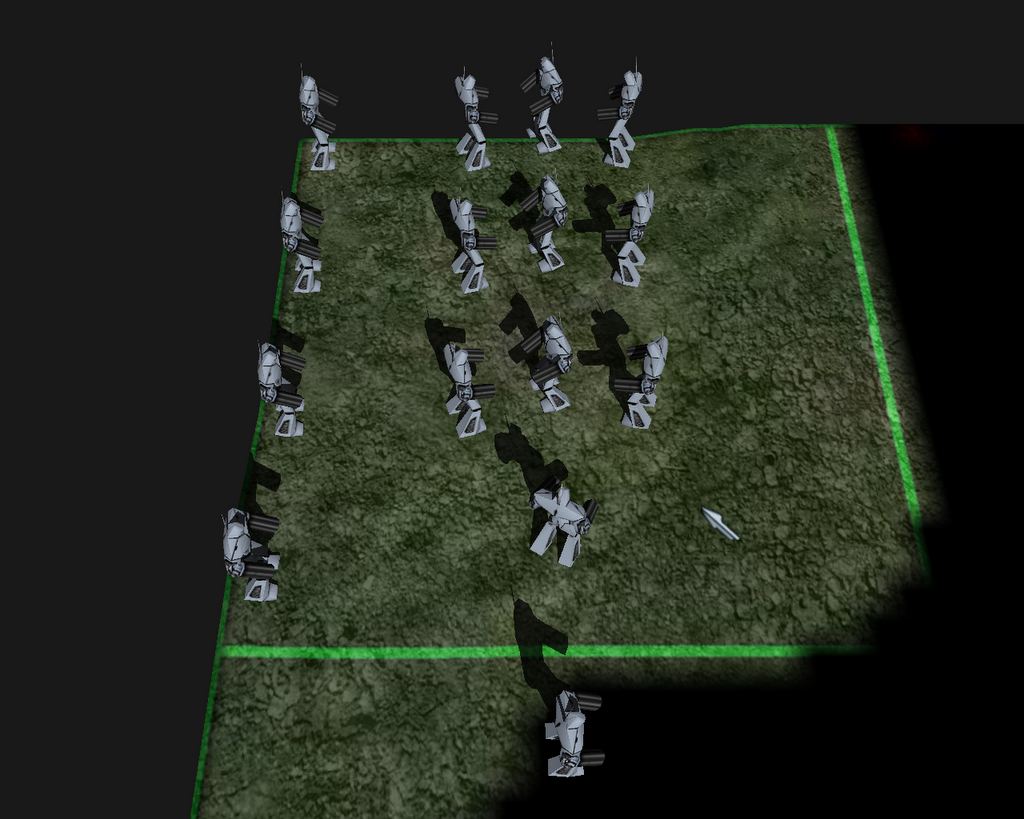
I have been hard at work on the code and have a bunch of major features done. The first major feature was that I working on was fixing up group movement. It's in a usable state right now. I have had it crash one time in the few hundred times I've used it since then so that'll be a bugger to track down but I'll get there. Units now move in rows of 5 for now. I just wanted to keep them seperated so they didn't stack and this solution works. I'll update it later to add support for dynamic row sizes so that the formation tries to maintain an even balance between width and depth.

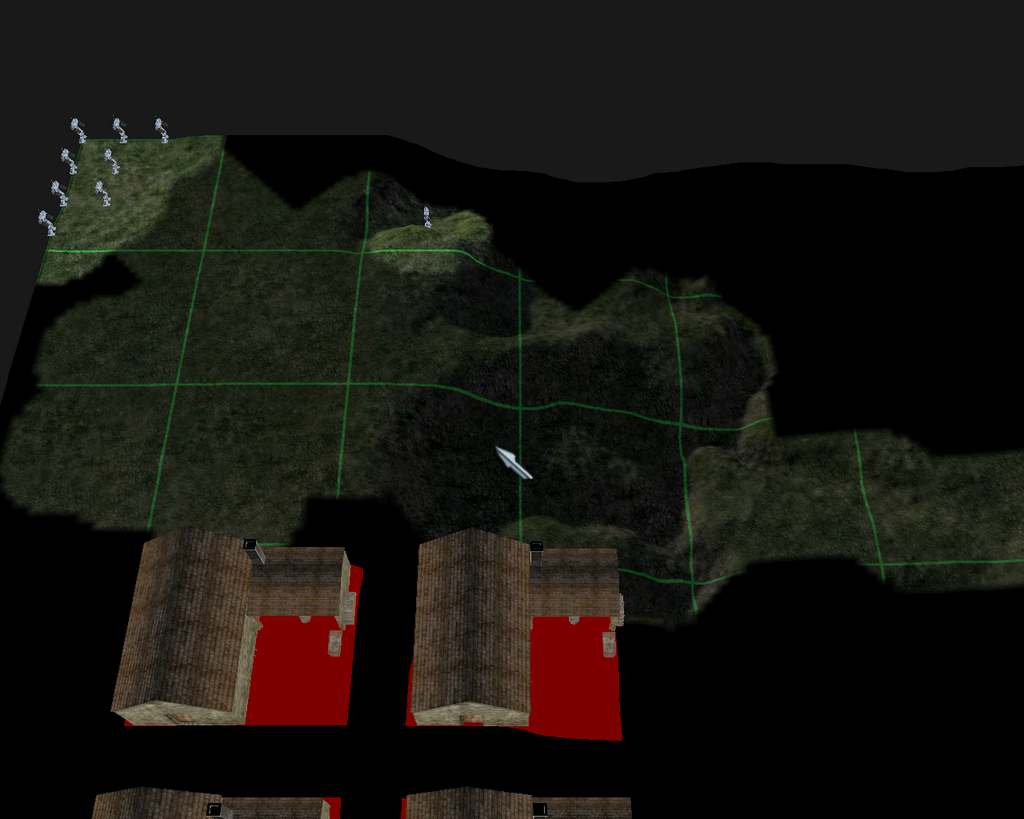
The second MAJOR feature that I implemented was fog of war. This isn't entirely done yet but I'm about 80-90% of the way done. The only thing I have left to do is create a static image of the buildings of enemies in areas that you have previously explored but that you currently can't see. This is typical in RTS games and shouldn't be too hard to implement. Whenever I determine that a currently visible building is no longer visible (which I have), is to add a "clone" to a list of "was visible" buildings and keep those visible. Whenever a building on this list becomes visible, we search the enemy building list and see if it's still there. If it isn't, we destroy our clone and don't show any building. If it is there, we leave our clone for later use, and then just show the live building. The FoW (fog of war) is very nice to see in motion since it fades out nicely to the half black color very smoothly. Enemy units are hidden if you can't see them.

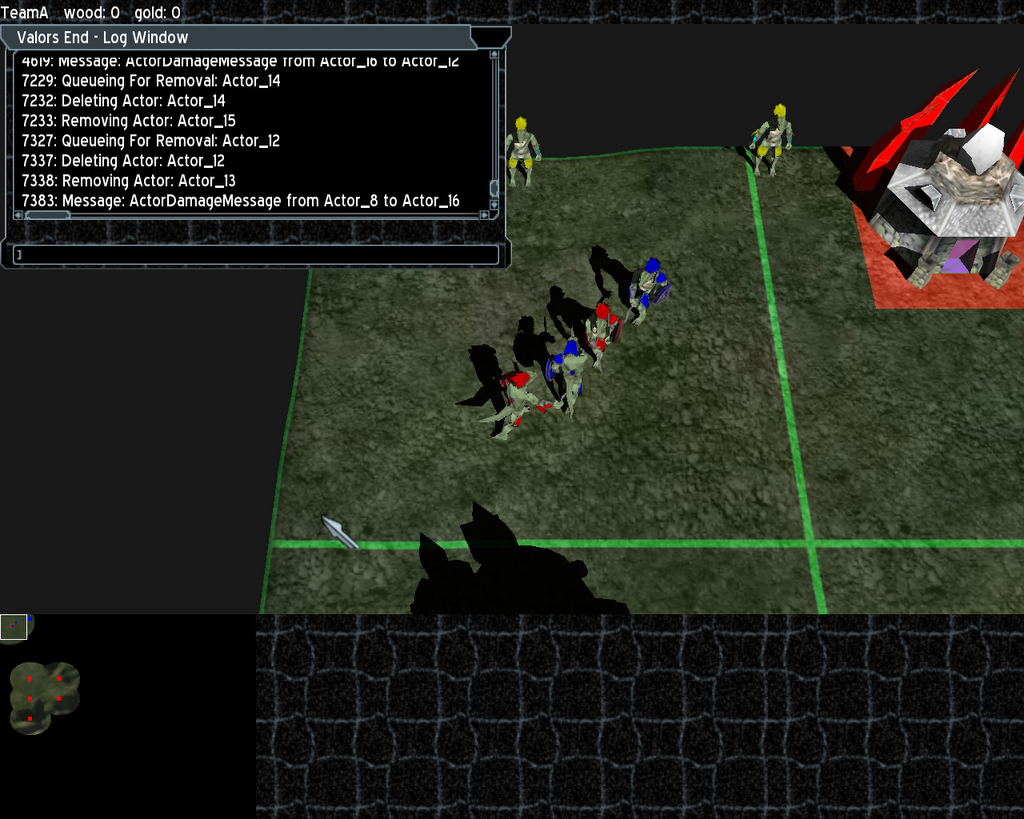
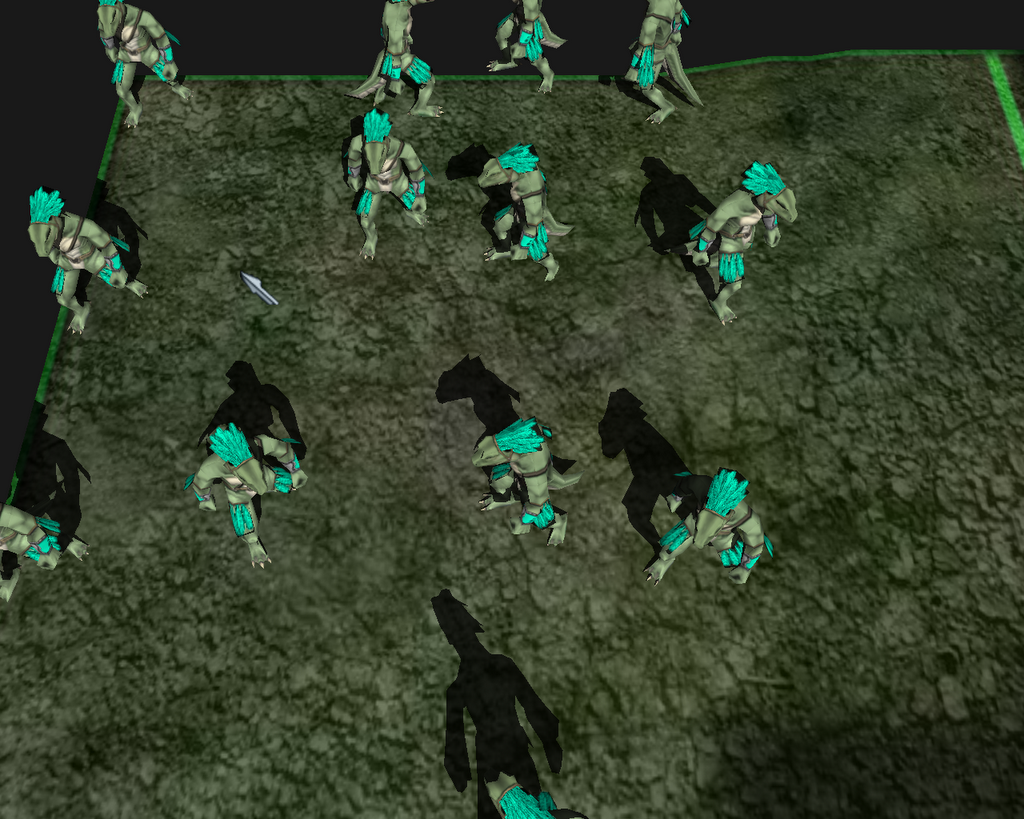
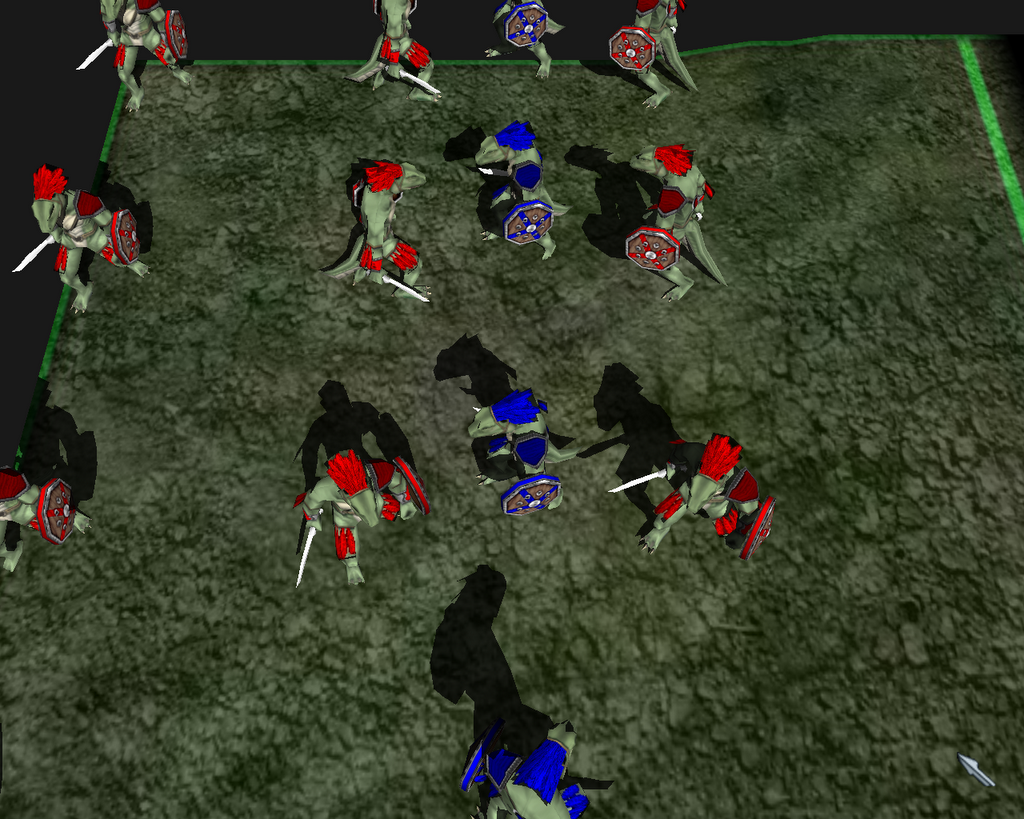
The last MAJOR feature that I got working was team colors as well as accessories for units. Reds create a shield, a sword, and a shoulder pad for the lizardman unit and gave me a code snippet to attach them to the unit. We have colors all over the unit so it's easy to tell which team a unit belongs to.

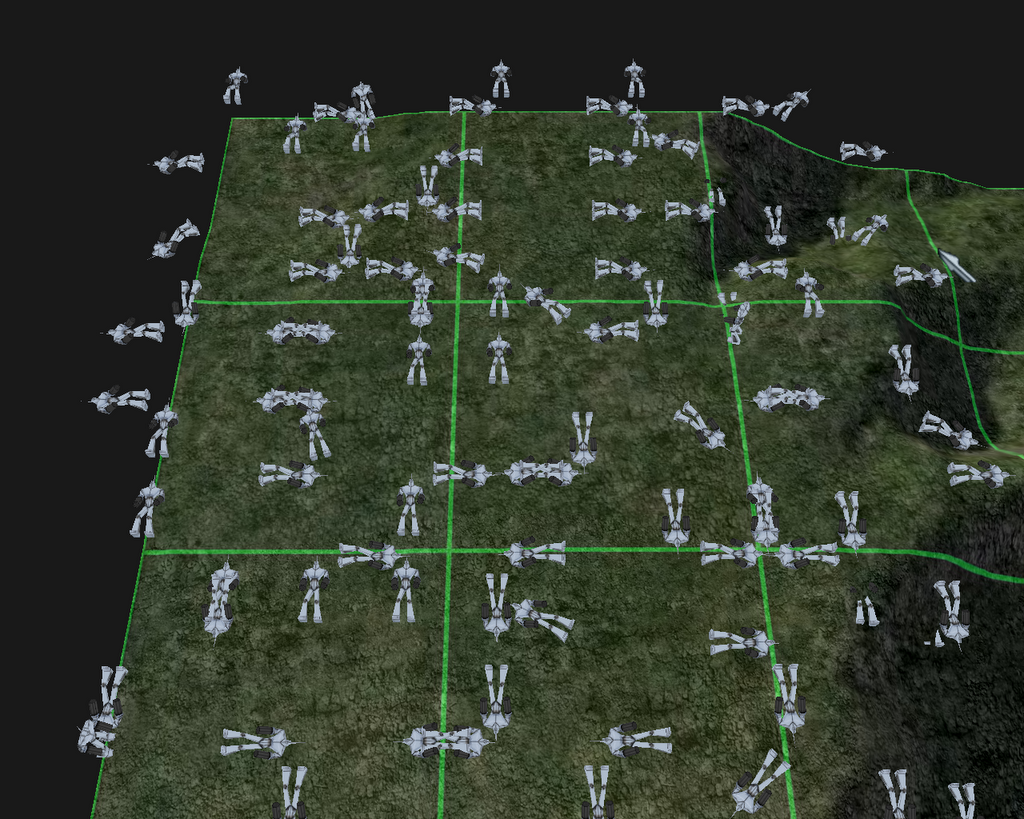
Another feature that I have working is basic combat. The units just shoot little squares at each other when they are in range but they will fall over and die when they run out of hit points. I don't have anything else to use so it's white boxes. It's fun to watch them fight each other.

I also added a directional light and turned down the global light so it adds a nice soft touch to the scene. I turned on shadows as well so they are cast onto the terrain which looks really good.

I'm going to be working on adding some chasing so that units will run towards eachother and fight when they can see each other as well as a few clean up things. Reds is going to be working on more animations as well as some map media (trees, rocks, etc) so that will really spice up the visuals of the game a lot. I can't wait to see the units swinging their swords at each other.


Death of Units
Screenshot: 1280x768x32 - No AA - Default ATI Settings


Fog of War
Screenshot: 1280x768x32 - No AA - Default ATI Settings


Unit Shadows
Screenshot: 1280x768x32 - No AA - Default ATI Settings

Lizardman Model
Screenshot: 1280x768x32 - No AA - Default ATI Settings


Team Colors and Accessories
Screenshot: 1280x768x32 - No AA - Default ATI Settings